# Install with SCCM
Installing Cyber Crucible with SCCM is no different than any other software package. The key points for deployment via SCCM are:
1. Deploy with the pre-made PS1 script, downloaded from https://dashboard.cybercrucible.com
2. Look for the **Cyber Crucible Agent** service running, or existing on disk, as a detection method. The default location for the agent service is **C:\\Program Files\\CyberCrucible\\service.exe**
1. Optionally, you can also look for the **HKLM\\Software\\CyberCrucibleAgent** registry key’s existence, but note that after an uninstall, this key may still be present.
## Default Configuration Steps
1. Create an Application, **not** a package
2. Manually specify the configuration
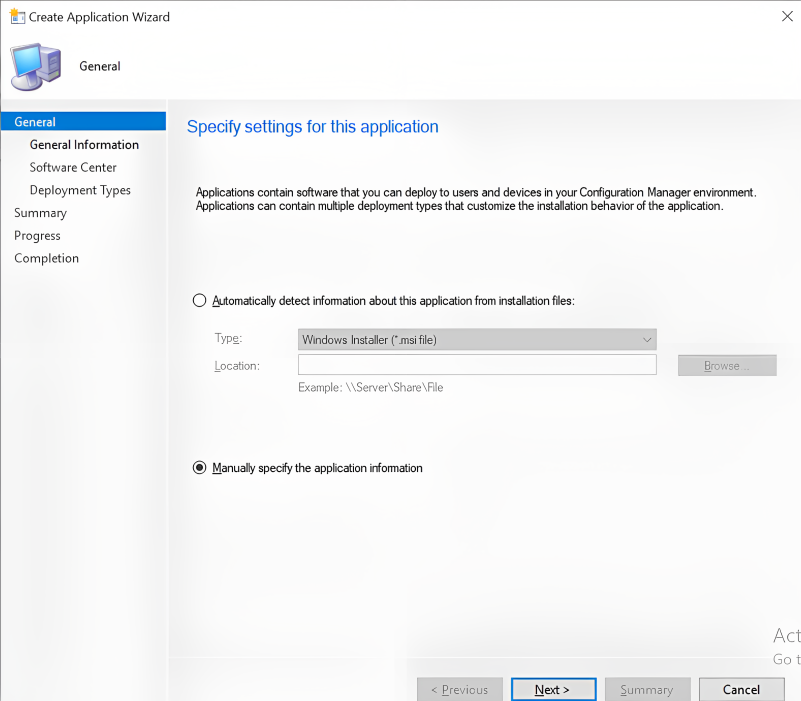3. Configure the application name, vendor name, description, etc.
4. Configure the Deployment Type, and specify **Script Installer**
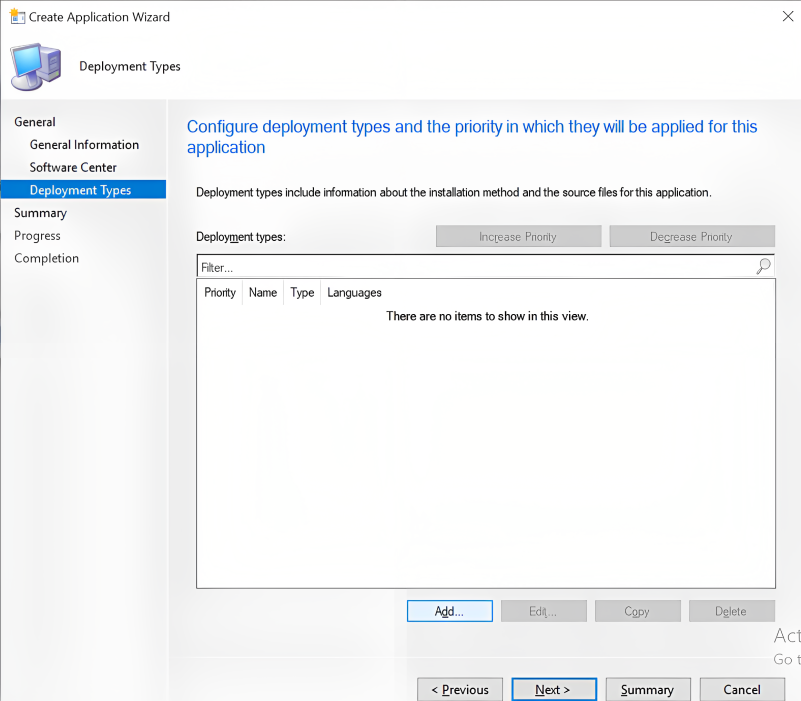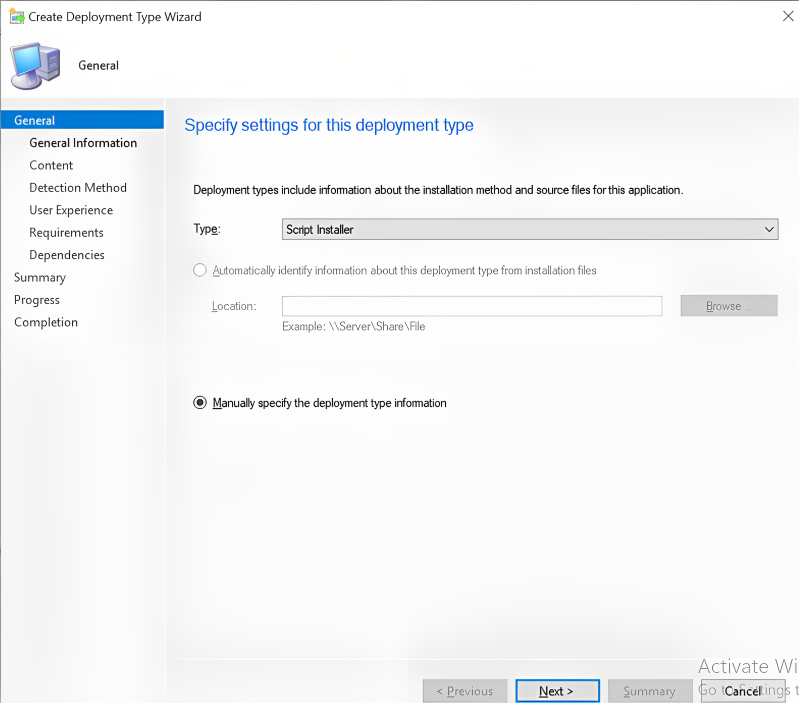5. Specify script location, likely a network share e.g. **\\\\cc-dc01\\share\\**
6. Specify installation program to execute the provided ps1 e.g. `Powershell.exe -file “CC-Install-Script-2025-8-7T13-55.ps1`
1. Note the date timestamp in the script name, and change it to yours
2. It is not recommended to override powershell policies, but depending on your configuration you may need to specify `-executionpolicy Bypass` or similar
7. Add a Detection Method by clicking “Add Clause”
1. See recommended detection methods at the top of this page
8. Specify UX deployment settings
1. Since the Cyber Crucible deployment does not require a reboot, the installation and logon requirements are up to your organizational discretion
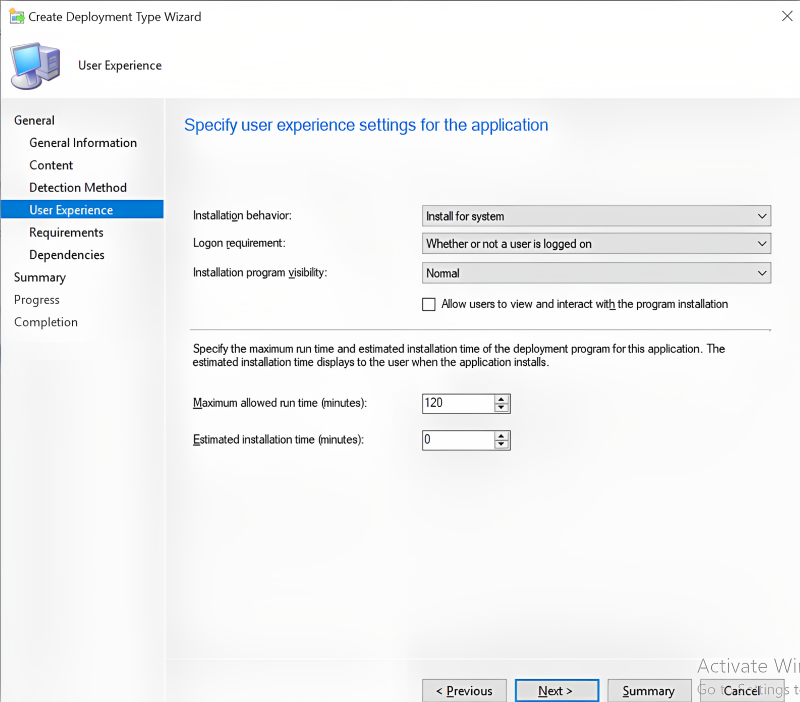9. Select Next / Finish until you can close the wizard.