# How to Clone a Group
Users can create a new group by first navigating to the Groups page found under the Administration tab in the sidebar.
Then, click the Clone a Group icon above the grid.
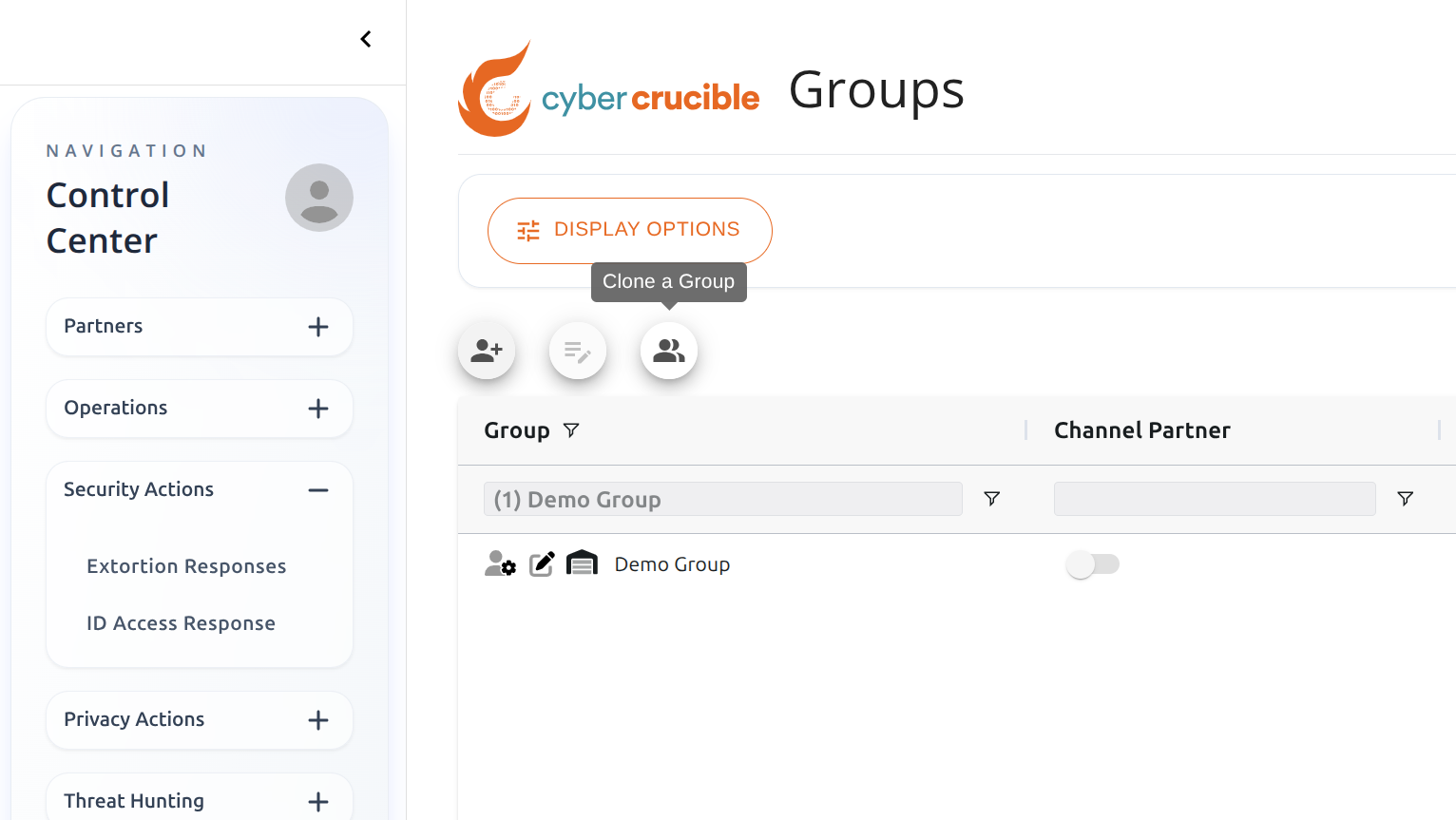Clicking this icon will popup a modal where you can choose a group to clone. Note: the current user must be the manager of the group in order to clone.
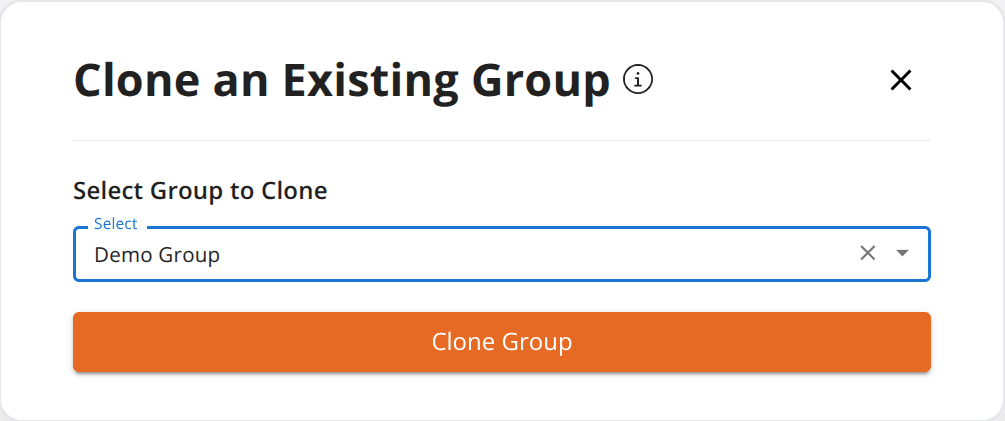Note: Fields that are cloned
- Channel Partner Customer
- Organization Name
- Distribution Group
- Source Distribution Group
- SSL Pinning Mode
- Agent Version
- Collect Agent Telemetry Data
- User Password Expiration Policy
- Canary Extension Mode
- Automatically Hide Agents
- Run Agents in Safe Mode
- Proxy Server Config
- DMZ Mode
- Agent Kernel Authenticode
- Agent Module Load Policy
- Module Load Insertion Behavior
Note: Objects that are cloned
- Tailored Behaviors
- Security Notifications
- Silent Responses
- Session Expiration Rules